

this was the original photo
Hello Amazing Junior Portfolio Students!
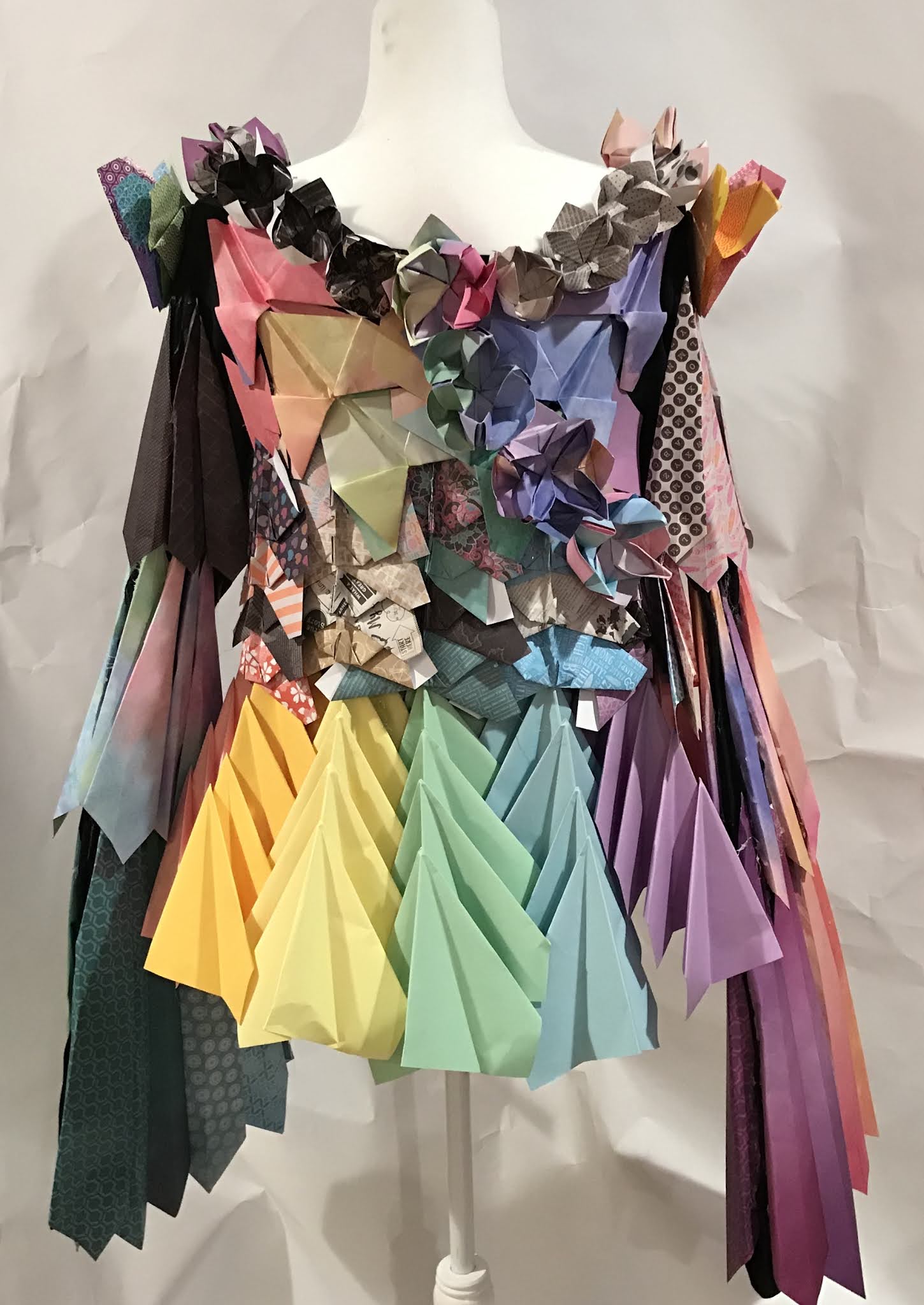
If you haven't yet seen Elena's final dress project in the previous post, prepare to be amazed!
Well done, Elena! I can't wait to see everyone else's completed works of imaginative apparel design!
I am sharing a screenshot of a "WIP" (Work In Progress) Photoshop composite of Elena's dress. You can now see/appreciate the importance of good, clear well-lit photos against a solid backdrop. The images Elena took of every angle (front, both sides, and back) using the paper drape I gave to each of you makes it pretty easy to cut these out and put together a professional composite in Photoshop for Scholastics & your portfolios:

I hope you all had a great break, and I can't wait to see your progress when we meet for class this week!
If you are finished with your dress project, don't forget to take some great photos and send me the (largest possible size) files.
I am more than happy to show you how to "Photoshop" these yourself if you want to learn how!
Mrs.S
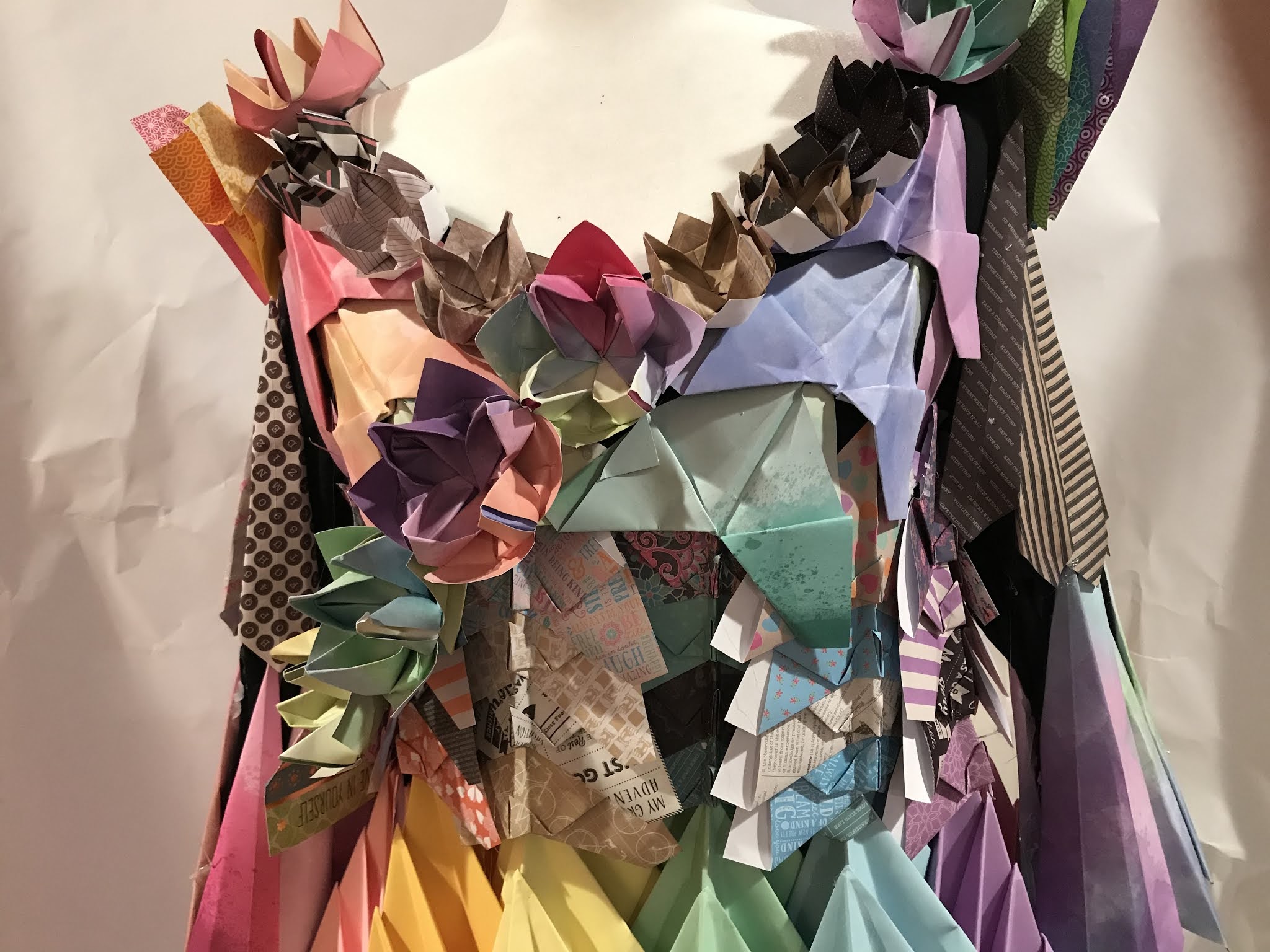
Hello everyone, I have successfully completed the dress and taken photos! This was a really fun project and probably one of my best works. I’m really happy with how it came out and I can’t wait for the next project. Here are some pictures of the dress to take a look!






View this YouTube Demo I created that walks you through step-by-step how to use blend modes and layer masks to combine imagery and develop new possibilities.
Consider this as a possible approach for a future Choice Board!
Create an account and register for Scholastic Art & Writing Awards
Step 1: VISIT https://www.artandwriting.org/
Step 2: Create an Account.
Step 3: Visit this Google Drive folder to download a photo of your artwork. ***Some of you have more than one piece in the folder** ENTER ANYTHING YOU WANT! CHOICE BOARDS, art created in past courses, ETC. I WILL SPONSOR YOU.
Step 4: Enter dimensions (8" x 10" if it is vertical, 10" x 8" if it is horizontal in orientation).
Materials: Scratchboard, Category: Drawing
Step 5: Determine a title for your scratchboard drawing
Step 6: Print your form: You should see the 2nd Floor Manor Printer in Self Service:
All artwork must be entered, forms signed and printed, and checks given to Mrs. Silverman by NEXT FRIDAY, NOVEMBER 19TH!
There is a marked "Scholastics" drop box on the little white table near my office on the 2nd floor of the Manor. You can put your signed forms and checks in there or hand them to me.

Jury Process: January 7 & 8, 2021.
Artwork Due for Exhibit: Tuesday, January 12, 2021.
Exhibit: January 20 - February 6, 2021.
American Vision Decisions: Tuesday, January 19, 2021.
Awards Ceremony: Saturday, February 6, 2021, 11am -12:30pm


